
Related Products
Products you may like

Product information:
1. Wireless transmission distance: above 10m
2. RF: 2402MHz-2480MHz
3. RF working channels: 16, automatic frequency hopping
4. Rated voltage: 1.5V
5. Rated current: 12-20mA
6. Key hub: 0,8mm
7. Keystroke force: 60-70 ± 10g
8. Maximum acceleration: 14ft/sec
9. USB: Version 1.1/2.0
System requirements:
1. Use Windows 2000/XP/Vista/Linux/Win 7/MAC operating system
2. One USB port is available.
Characteristic:
1. Built in mouse memory, no need to re code after replacing the battery.
2. Optical positioning, more accurate positioning.
3. Intelligent energy-saving technology, the service life of alkaline battery is up to six months
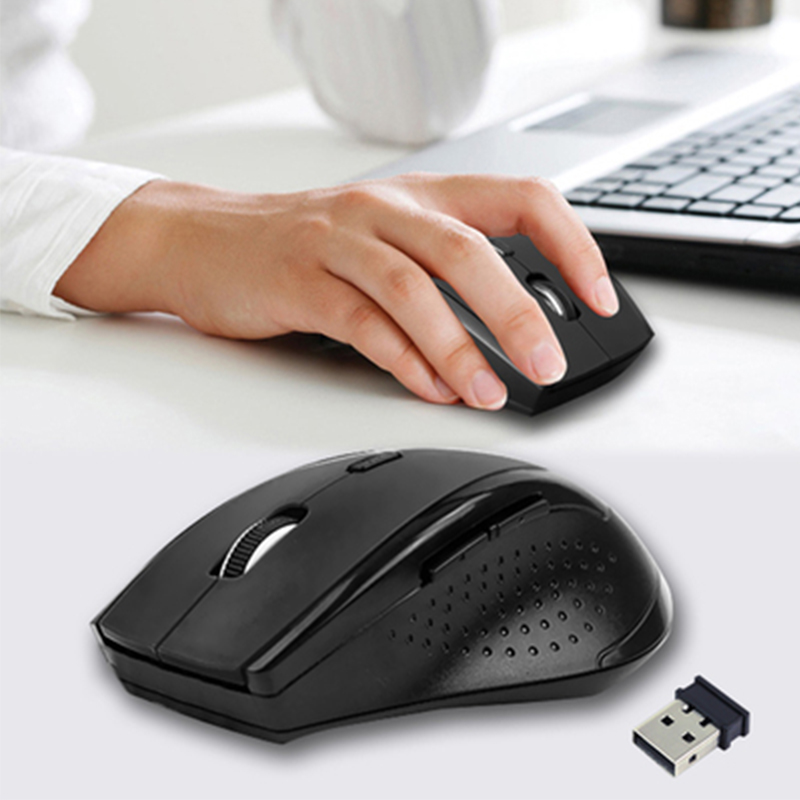
4. Intelligent connection, no need, code, plug and play.
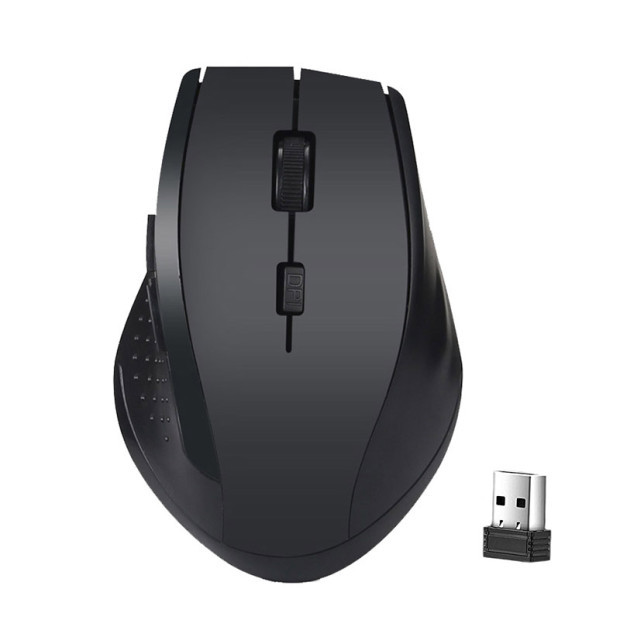
5. It conforms to ergonomic design and the handle is comfortable.
6. Rest type control and more power saving sleep without connection.
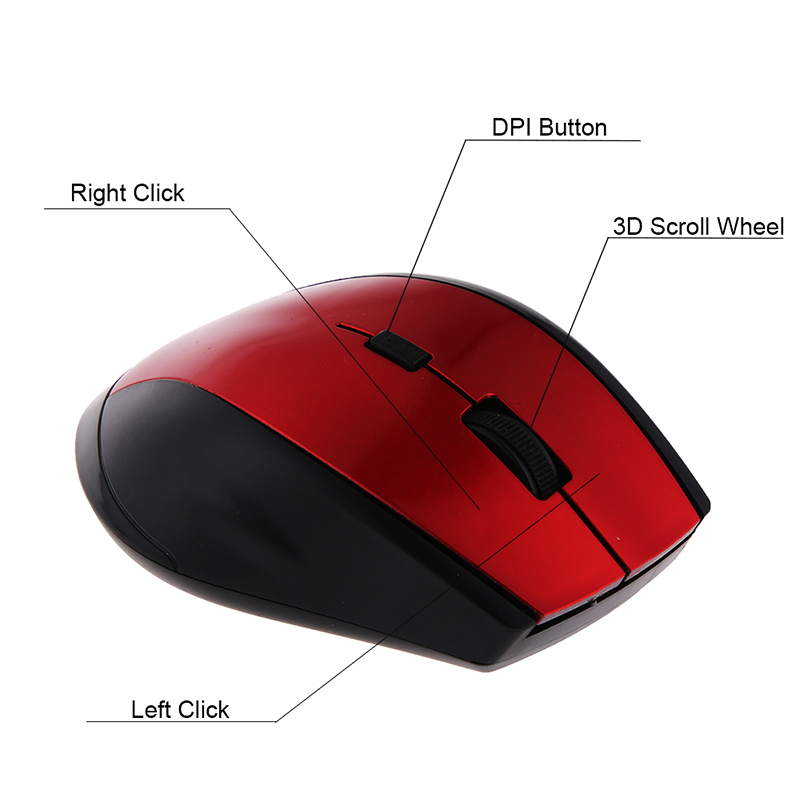
7.800 dpi/1200dpi cursor speed is adjustable.
8. Shortcut keys can be used to browse the Internet or applications, and it is easy to click the "Forward" and "Back" functions on the toolbar
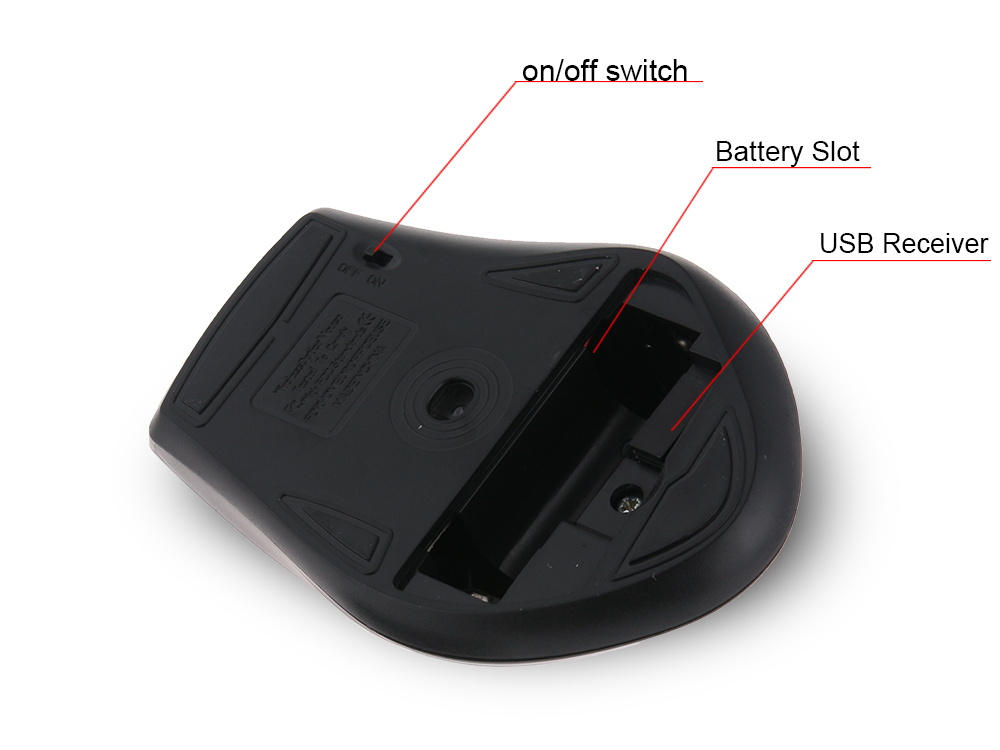
9. Power switch to prevent incomplete power failure.
Notes:
1. The operating distance is close to the environment.
2. When using the mouse, the battery life varies according to personal habits.
3. If the mouse fails, check the battery and replace it as needed
4. When not in use for a long time, the mouse will automatically turn off and be in sleep mode to save power. To wake it, press the right or left button.
5. Do not drop it from the battery, or it will catch fire. Put the battery in the battery trash can.
Packing list:
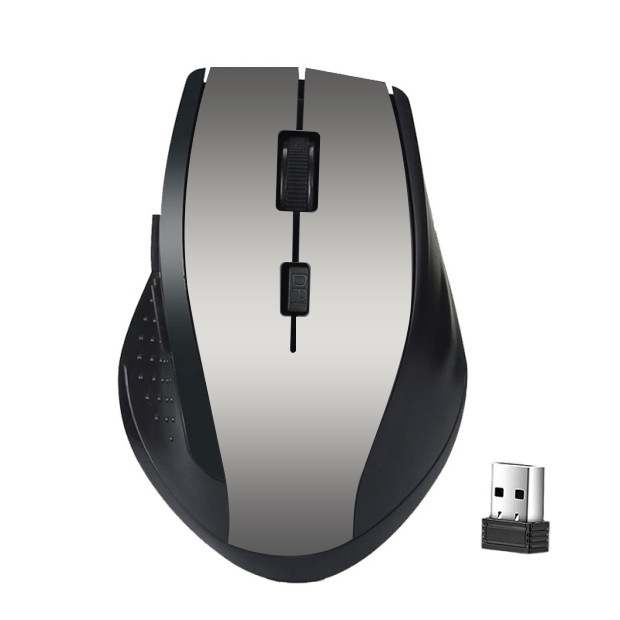
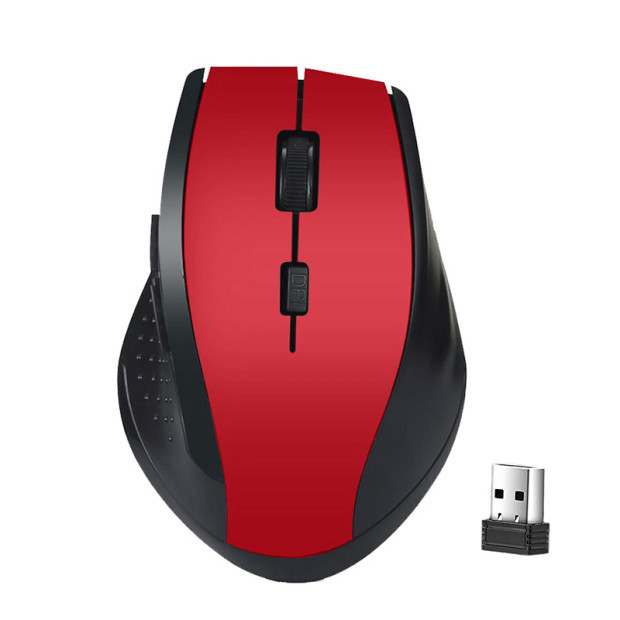
Mouse * 1PCS


Your Browsing History
